Step 6: Motor Firmware Update
This step is optional. You only need to update the firmware if you are experiencing issues with the motors or if you are asked to do so.
This guide explains how to update the firmware of Damiao motors using the Damiao Debugging Tool.
Prerequisites
- Windows PC with the Damiao Debugging Tool installed
- Motor connected via serial (UART) at 921600 bps
- Hardware version 3 motors (verify the hardware version before proceeding)
Download Firmware
Download the latest firmware from the Damiao motor firmware repository.
Make sure to select the correct firmware file for your motor model. These are V3 hardware firmware files. Do not flash firmware for a different hardware version.
The following firmware versions are used and tested with OpenArm:
| Motor | Firmware file |
|---|---|
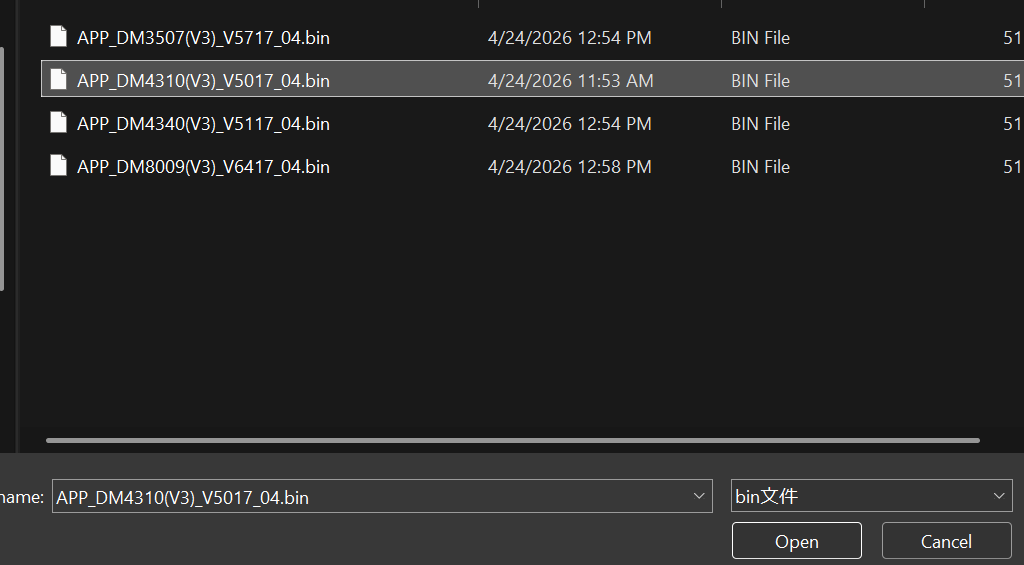
| DM-J3507 | APP_DM3507(V3)_V5717_04.bin |
| DM-J4310 | APP_DM4310(V3)_V5017_04.bin |
| DM-J4340 | APP_DM4340(V3)_V5117_04.bin |
| DM-J8009 | APP_DM8009(V3)_V6417_04.bin |
Check Current Firmware Version
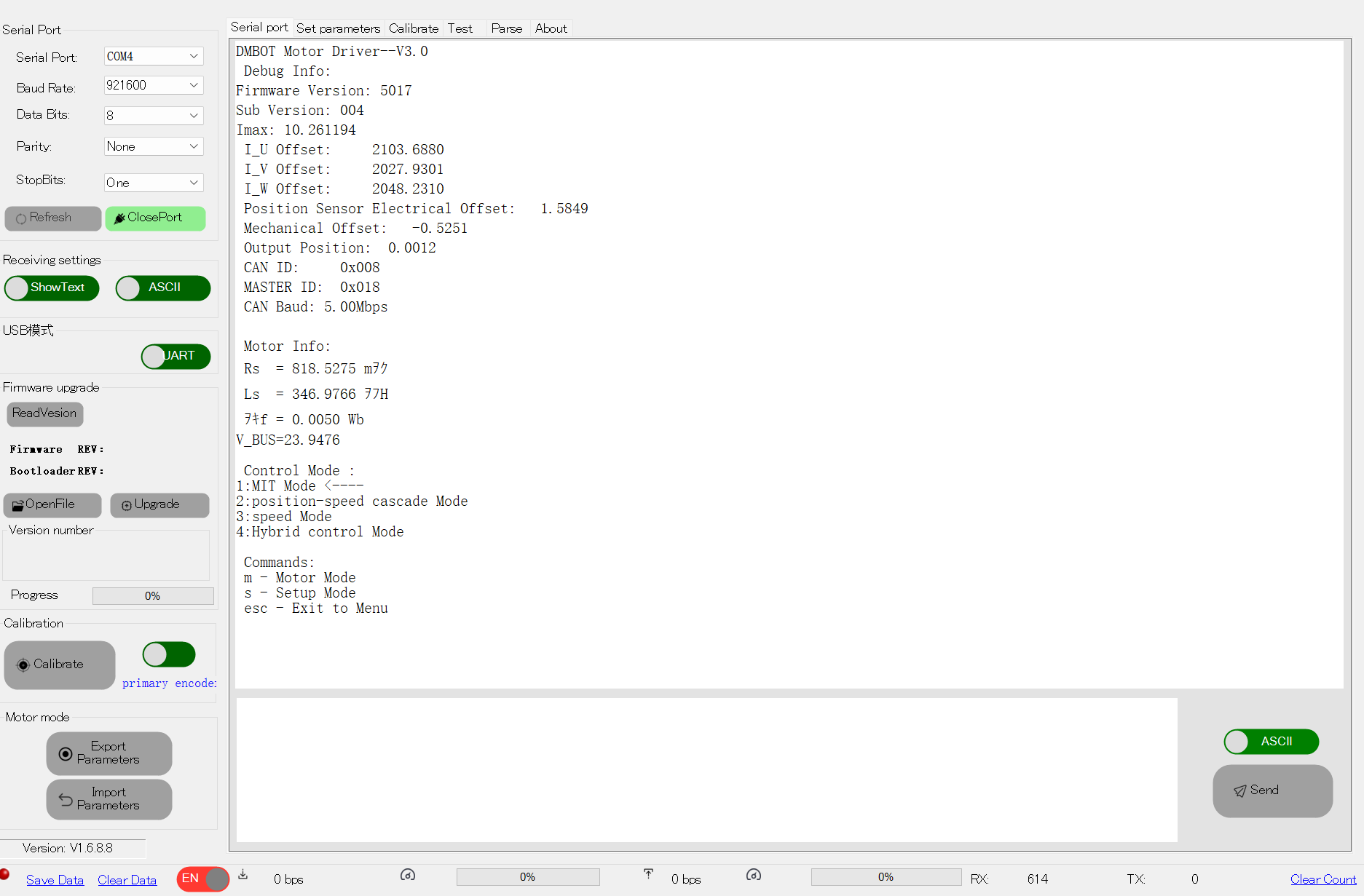
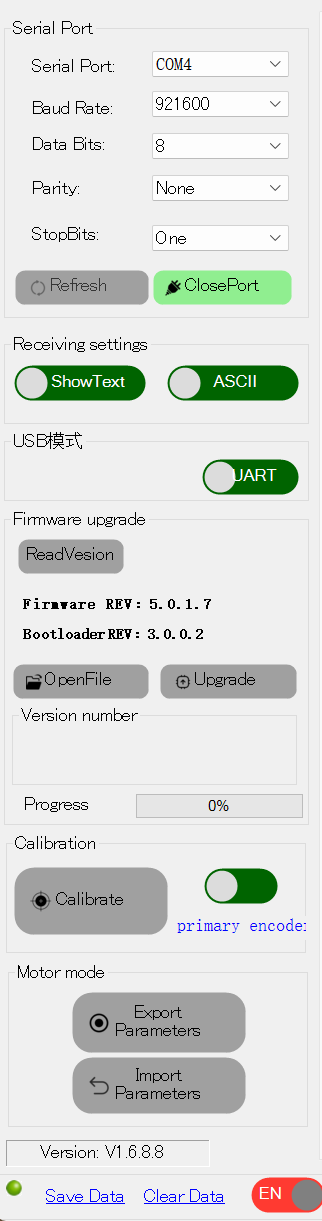
Connect the motor and open the Damiao Debugging Tool. Click ReadVesion to read the current firmware and bootloader version.
The current firmware and bootloader versions will be displayed:
Flash Firmware
- Click OpenFile and select the
.binfirmware file for your motor model - Verify the version number shown in the Version number field
- Click Upgrade to start flashing
- Wait for the Progress bar to reach 100%
- Power cycle the motor after flashing is complete
Do not disconnect the motor or close the tool while flashing is in progress. This may permanently damage the motor.